

Systematic Factory
ERP, MRP, MES and QMS for manufacturers, in one system inside your plant.
Runs on Web · Shop-floor tablets · Phones · Installable app
Built for Manufacturers · Machine shops · Assembly plants


Outside services needed to run it
0
Languages: English, French and Arabic
3
Systems in one: ERP, MRP, MES and QMS
4
One manufacturing system that is your ERP, MRP, MES and QMS together. It follows the work from quote to shipment: jobs with their bill of process and materials, a schedule board for every work centre, material requirements planning, inspections and non-conformances, lot and serial tracking, purchasing, equipment rentals and leases, service contracts, invoicing and a full general ledger. It runs on your own servers, with no outside connection.
Every job, with its process and its materials
A job carries its bill of process, step by step, and its bill of materials, with who is assigned, when each step is due and what the customer ordered.
- Operations with time per piece and the assigned person
- Materials pulled from the multi-level bill of materials
- Release one job or a whole selection at once
- Overdue and late jobs flagged where you see them
A board for every work centre
Operators see what to run next at their station, with the part, the step, the time left and the due date. Clock in, start, finish and report from a tablet.
- One column per work centre, cards per operation
- Cards edged red or orange as their due date nears
- Clock in and out, with hours per person
- Add or remove stock straight from the floor
An app for the people on the floor
Operators clock in on a tablet and see their own schedule. They start and finish each operation, see when each step is needed by, follow assembly steps on the 3D model, record inspection measurements and report a breakdown, without going through the office system. It installs on the tablet as its own app, in English, Arabic or French.
- My schedule, with part pictures and due dates
- Assembly steps on the 3D model, with sub-assemblies and turns of the build
- Inspection measurements recorded against their limits
- Breakdowns reported to maintenance from the station
Plan against the capacity you really have
Schedule work across resources on a timeline, see conflicts before they happen, and let material requirements planning (MRP) tell you what to make or buy and when. It runs on its own at the time you set and hands each action to the planner or buyer who owns it.
- Resource planning on a day and week timeline
- Order, make, expedite, defer or cancel: each action applied or dismissed
- Orders sized by batch, minimum, maximum and multiple; frozen orders left alone
- One purchase order per supplier, straight from the plan
- Demand forecasts consumed by real orders
Ship on the date you promised
The priorities board lays open jobs out by day, with their due dates and progress, and the outbound board lists what leaves each day, with the customer, the order and the part, so late work shows up while there is still time to act.
- Jobs laid out by day, with overdue work flagged
- Drag a job to another day to reschedule it
- Outbound by day, with ship-to and carrier
- Each shipment tied to its sales order and job
Every change to a part, controlled
Parts carry revisions with effective dates, and change notices take a design change from request to release with its category, priority and the parts it touches. Configurable products build their bill of materials from the options a customer picks.
- Revisions with effectivity and supersession
- Change notices from request to approval and release
- A configurator for products sold with options
- Drawings, files and your own custom fields on the part
Know what a part really costs
Choose standard, average, FIFO or LIFO costing per part, follow its cost history, and add freight and duties to the receipts they belong to, so margins on quotes are built on real numbers.
- Standard, average, FIFO or LIFO costing per part
- Cost history on a chart
- Landed costs spread over the receipt
- Supplier prices kept in the supplier's currency
- Labour and machine rates from each work centre
Quality built into the work, not added after it
Inspection plans run against receipts and jobs, issues are tracked to closure with containment and actions, and gauges stay in calibration.
- Inspections with sample sizes and the gauge used for each reading
- Non-conformances with type, priority and containment
- Corrective actions and risks in one register
- Gauge calibration status at a glance
Know where every part and lot is
Stock per location with reorder points, receipts and shipments posted against orders, and every lot and serial traced from supplier to customer.
- On-hand, reorder policy and lead time per item
- Receipts and shipments linked to their orders
- Lot and serial tracking end to end
- Stock per bin and lot, with expiry dates in view
- Stock and warehouse transfers, counts and kanbans
Buy against competing quotes
Send one request for quotes to several suppliers, compare what comes back, and turn the winner into a purchase order. Approval rules hold large orders until the right person signs off.
- Requests for quotes to several suppliers at once
- Supplier quotes with expiry and lead time
- Approval rules by amount
- Supplier invoices against their purchase orders
Hours, skills and training in the same place
Timecards come from clocking in on the floor, abilities show who is qualified for each process, and training records say what each person must complete and how often.
- Timecards from shop-floor clock in and out
- Abilities with a recertification period
- Training as a written guide or a PDF, and outside certificates on record
- Time on each operation recorded against its job
The books follow the work
Receipts, shipments, invoices and payments post to a full general ledger, so income, balance sheet and receivables are ready without re-keying.
- Journal entries posted from every document
- Income statement, balance sheet and trial balance
- Receivables and payables aged by period
- Fixed assets, builds in progress and depreciation runs
Rent out your equipment as well as sell it
Serialized units move from stock into a rental fleet. A rental agreement carries the rate, the billing period and the deposit; each unit goes out on a shipment and comes back on a receipt, with a credit for days not used. Invoices are drafted, posted or emailed each period, and an agreement that is really a sale is booked as one.
- A rental fleet of serialized units, taken in and out of service
- Day, week and month rates per item, customer or customer type
- Delivery and return documents, with the meter reading
- Fleet utilization report
Equipment you lease, on the books
Record the machines, vehicles and buildings you lease. Each lease is classified, started with its right-of-use asset and liability, and posted month by month by a lease run; its payments arrive as supplier invoices, and the Lease Liabilities report shows what is still owed.
- Operating, finance and short-term leases (ASC 842)
- Several assets on one lease, with or without an end date
- Change, end early or buy out a lease
- Reminders before its key dates
Service contracts that bill themselves
A contract holds one-time and recurring service lines with their own invoice schedule. It bills on its own, defers what is billed ahead, and a monthly revenue run moves each month into sales. Amend a line, renew with an uplift or cancel with a credit for time not used.
- Recurring invoices, in advance or in arrears
- Revenue recognized month by month
- Deferred revenue report by invoice and month
- Amendments, renewals and cancellations
Start from the books you already have
A setup guide takes the accounts from your old system into Factory: the chart of accounts and default accounts from a spreadsheet, the opening trial balance from a file, QuickBooks or Xero, and a clearing account that has to come back to zero before you go live.
- Chart of accounts imported from a CSV file
- Opening trial balance from a file, QuickBooks or Xero
- A guided setup with a readiness check
- Document numbers carry on from the ones you bring
Machines kept running
Log a breakdown or plan maintenance as a dispatch with its work centre, priority and impact on output, and see what is open at a glance.
- Reactive and planned maintenance
- Priority and impact on output
- Assigned to a person, with planned start
- Failure mode recorded on the dispatch
Reorder cards that keep stock moving
A kanban card per item says how much to reorder and how: make it, buy it from a supplier, or transfer it between locations. Start the order from the card itself.
- Make, buy or transfer per item
- Reorder quantity and supplier
- Storage location on the card
- Start the order in one click
- Transfers raised on their own below a set level
Gauges calibrated and on record
Every measuring instrument with its type, serial number and location, when it was last calibrated, when it is due, and whether it is still in calibration.
- Calibration status per gauge
- Last and next calibration dates
- Calibration records and results
- Retired gauges kept on record
Plan from expected demand
Enter the demand you expect per part, week by week, for months ahead, and material planning works out what to make and what to buy.
- Demand per part, week by week
- Weeks ahead, for months
- Feeds material planning
- Per site
Automations that act when something happens
Build workflows that run on their own: notify the quality owner when an issue turns critical, flag large purchase orders, or chase jobs that have not started.
- Triggered by a change or on a schedule
- Notifications to the right person
- Draft first, then publish
- The last run shown on each workflow
A look at the real screens
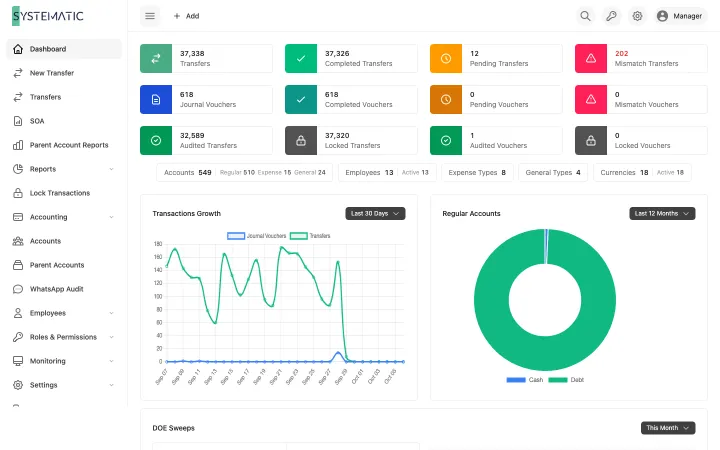
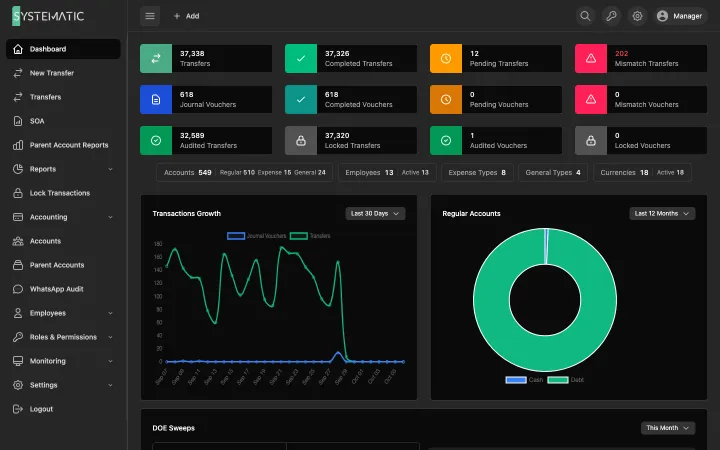
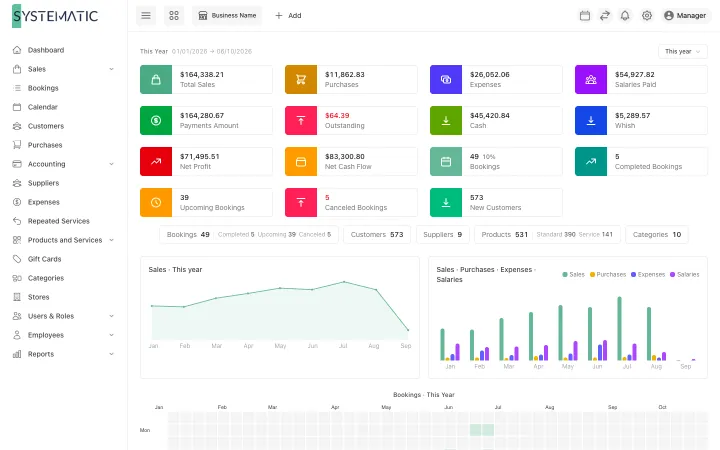
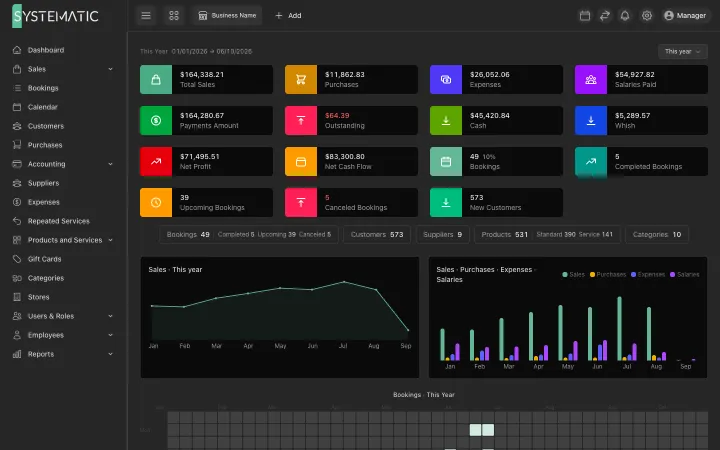
A selection of the screens, not all of them. These are the real layouts, filled with sample data. Open any screen to see it full size and zoom in.
Open work, money to collect and pay, and what needs attention.
1 / 9 · Overview and shop floor (MES)
Everything included, nothing to add on later.
ERP: enterprise resource planning
Quotes, orders, purchasing, inventory and a full general ledger, all in the same system.
MES: shop floor execution
Boards per work centre, clock in and out, start and finish operations from a tablet.
MRP: material requirements planning
Make and buy suggestions by week, driven by orders and forecasts.
QMS: quality management
Inspections, non-conformances, corrective actions, risks and gauges.
Multi-level bills of material
Nested materials and a bill of process for every part and job.
Scheduling
Resource planning and a load forecast against real capacity.
Inventory
Stock by location, reorder points, counts, transfers and kanbans.
Lot and serial traceability
Follow any lot or serial from supplier to customer.
Purchasing
RFQs, supplier quotes, purchase orders, receipts and returns.
Quotes and sales orders
Quote with pricing, convert to an order and a job in one step.
General ledger
Journals, periods, statements, receivables, payables and payments.
Maintenance
Dispatches and schedules for machines, with impact on capacity.
People and training
Employees, timecards, abilities and training records.
Workflows
Automations that notify, assign or post when something happens.
Runs on your network
Installed on your servers, with no outside connection required.
Backups and audit logs
Built-in backups, approval rules and a full audit log.
API
A REST API with keys, to connect machines and other systems.
Revisions and change control
Part revisions with effectivity, and change notices through to release.
Costing
Standard, average, FIFO or LIFO costing, with landed costs on receipts.
Several companies
Intercompany transactions and consolidated statements.
Secure sign-in
Single sign-on, directory accounts, two-factor codes and passkeys.
Work procedures
Versioned procedures for each process, so every shift works the same way.
Equipment rentals
A rental fleet, agreements with rates and deposits, and invoices drafted every period.
Leases (ASC 842)
Leases you hold, classified and posted month by month, with a liabilities report.
Service contracts
Recurring billing and revenue recognized month by month.
Move from your old system
Bring in the chart of accounts and opening balances; numbering carries on.
A dashboard for each person
Each person sees the figures their role allows, and their own work first.
Fast on years of data
Every page tested to stay under half a second on a million records.
Custom fields
Your own fields, links included, on parts, orders, suppliers and more.
Works on phones
The office system and the shop floor both fit a phone screen.
Who it is for
Other solutions
All solutions
See it running on your own data
A demo on sample data, with your questions answered in writing.