
Skip to content

Systematic Books

Run the whole company in one system: sales, projects, people and money.

Get pricing

Runs on Web · Tablet · Phone · Windows · macOS · Linux

Built for Marketing, social media and advertising agencies · PR and communication agencies · Web, software and app development studios

Reports, from profit by client to the trial balance

103

Permissions to shape every role

75

Integrity checks that prove the whole ledger, on demand

46

Automated engine tests run on every change

442

One system to run a company that sells its work: an agency, a studio, a consultancy, an IT company or a contractor. It runs sales and proposals, projects and tasks, the team’s time and capacity, delivery and client support, billing, payments and a client portal, from the first lead to the last payment, with the full double-entry accounting under it.

From the first lead to the signed deal

Leads come in from your website forms, by e-mail or by hand, and move across your own pipeline until they become a client, a proposal and a project.

  • Lead forms for your website, with spam protection
  • Several pipelines with your own stages and win probability
  • Board, list and a monthly forecast of the weighted pipeline
  • Follow-ups with reminders, and deals gone quiet flagged
  • Win rate, deal size and sales cycle by person and by source

Proposals signed and paid online

A quote built from your services, with options the client chooses, wrapped in a proposal they open, sign and pay the deposit on, from one link.

  • Services, packages, rate cards and price lists per client and currency
  • Options and alternatives the client chooses between
  • Proposal templates and contracts signed online, with a signing record
  • Deposit and payment plan that become invoices on their own
  • Versions, approval before sending, viewed tracking and expiry reminders

Every project, with its real margin

A project carries its budget, its billing and its team, and shows its hours, cost, invoiced and margin at every moment. Extra work is a change request the client approves.

  • Fixed fee, time and materials, retainer and milestone billing
  • Change requests priced, approved by the client, scope history kept
  • Health: on time, at risk or late; under, at risk or over budget
  • Budget alerts before a project runs over
  • Live margin: hours at each person’s real cost, plus expenses

The team’s work and its capacity

Tasks on boards, lists and calendars, and a plan that shows who is free, full or overbooked, by person, skill and role.

  • Boards with your own stages, subtasks and checklists
  • “My work”: today, overdue and coming up
  • Workload by person and team, planned against logged
  • Placeholders for roles not hired yet, found by skill
  • Links to GitHub and GitLab pull requests, issues and commits

Time logged once, billed without retyping

A timer on every task and a weekly timesheet per person. Only approved hours reach an invoice, at the right rate.

  • Timer, manual entries and a weekly grid
  • Approval by the manager, then locked
  • Billable and non-billable, by person, client, project and service
  • Utilization against each person’s billable target
  • Time off and public holidays taken off capacity

A content calendar for every client

A month of posts for each client, across Instagram, Facebook, TikTok, LinkedIn, YouTube and Threads, from idea to published, approved by the client on the way.

  • Posts with caption, hashtags, first comment, pictures and videos
  • Campaigns and the retainer each post counts against
  • Client review and approval in the portal
  • A monthly report per client
  • Search by caption and hashtag, in Arabic too
Feedback pinned on the work

Designs, PDFs, videos and websites reviewed version by version, with comments pinned on the exact point or moment, until the client approves.

  • Images, PDFs, video, audio, design files and websites
  • Comments on a point, an area or a moment of the video
  • Versions side by side; an older version can no longer be approved
  • Approval stages: team review, then the client
  • Briefs answered by the client, attached to the project

Client requests answered on time

Requests from the portal, e-mail, your website, phone or WhatsApp, each in its queue, with response and resolution targets per client.

  • Request types with their own forms, and bug reports
  • Queues: mine, unassigned, late, waiting, solved
  • Response and resolution targets per client
  • Replies, internal notes and attachments on one thread
  • Satisfaction rating after closing

Domains and hosting that renew themselves

Every client’s domains, hosting, SSL and licences, with their renewals invoiced ahead and their passwords in an encrypted vault.

  • Renewing in 30 days, overdue, active and cancelled
  • Renewal invoices made ahead, as draft or sent
  • Profit per asset, per term and per year
  • Links to repositories and environments
  • Encrypted credentials, every reveal logged

Every way a service business bills

Invoice from a quote, from milestones, from time and expenses, from a retainer or on a schedule. A final invoice takes each deposit off on its own line.

  • Deposit, progress, final, recurring, retainer and proforma invoices
  • Retainers with rollover rules and overage billing
  • Credit notes, write-offs and reminders before and after the due date
  • Your layouts, your logo, bilingual documents
  • Saudi e-invoicing (ZATCA) with its QR and XML, when you need it

A portal for every client

Each client has their own page to approve, sign, pay by card, download receipts and statements, follow their projects and ask questions on any document.

  • Quotes, contracts, invoices, receipts and statements
  • Pay online by card, with payment links and deposits on acceptance
  • Projects, change requests, tickets and retainer hours
  • Questions on any document, answered by the team
  • English, French and Arabic, right to left

Who owes what, and since when

Payments in any currency, by cash, bank, wallet, cheque or card, across several invoices at once, with aging by due date and a board of who to call next.

  • One payment across several invoices, or kept as credit
  • Wallets, banks, cash boxes and post-dated cheques
  • Aged receivables by due date
  • Collections board with promised dates and next actions
  • Cash forecast from invoices due, bills and recurring items

Clients book you themselves

Booking pages clients use to book you, with hosts, buffers and intake questions. A paid meeting is invoiced when it is booked.

  • Booking pages with one or several hosts
  • Video link, call or address, and intake questions
  • Paid meetings invoiced on booking
  • Reminders before each meeting
  • One calendar for meetings, tasks and deadlines

Full double-entry books underneath

Every invoice, payment, bill, expense and salary posts a balanced entry in the same transaction, in any number of currencies, with project, client and department on every line.

  • Chart of accounts, journals with approval, recurring and reversing journals
  • Any currency, each line at its day’s rate, gains and losses posted
  • Bank and wallet statements imported and reconciled, with bank rules
  • VAT and withholding, fixed assets, accruals and revenue recognition
  • Budgets against actual, period lock, year close and a group of companies

What the work cost, on the same books

Bills, purchase orders and expenses carry their project and client, billable costs come back on the next invoice, and monthly salaries post as one journal.

  • Purchase orders, bills and supplier statements
  • Expenses and employee claims, approved and reimbursed
  • Billable costs rebilled with a markup
  • Monthly salaries posted to the ledger, with salary slips
  • Freelancer payments, advances and loans

The numbers each person needs

Financial statements beside profit by client, project, service and person, plus your own reports, and a dashboard for each role.

  • 103 reports, exported to Excel and PDF
  • Profitability by client, project, service and person
  • Your own reports, built without code
  • A dashboard per role, showing only what it may see
  • Drill down from any figure to its documents

An assistant that answers and drafts

Connect the company’s own Claude or OpenAI key. Ask in plain words and get answers from your live books; it reads receipts and bills into drafts and never saves anything itself.

  • Answers from live data, within the user’s permissions
  • Receipts and bills read into expense and bill drafts
  • Briefs and meeting notes turned into tasks
  • Totals and taxes always worked out by the engine
  • A monthly spend limit and a log of every use

The routine runs itself

Rules that create tasks, send e-mails and notify people when something happens, and approval chains of up to ten levels by amount.

  • Rules on records created, changed, sent or overdue
  • Approval chains of up to ten levels by amount
  • E-mail templates per message and language
  • API keys and webhooks for your other tools
  • A history of every run

Each person sees only their work

Seventy-five permissions shape every role, salaries and costs stay hidden from who may not see them, and every change is logged with its before and after.

  • Roles with permissions per module and action
  • Freelancers limited to their own projects
  • Two-step sign-in and a security log
  • A permanent audit trail of every change
  • A private server per company, backed up daily and verified

A desktop app made for your company

Your own app for Mac, Windows and Linux that works on the company’s books over the internet. It is set up once with your server’s address and a key; each person then signs in with their own username and password.

  • The books stay on your server; the app keeps no data of its own
  • A key per app, made and revoked by the owner at any time
  • Every computer signed in, listed, and signed out in one click
  • Always on the newest version: updates install by themselves
  • The address, key and sign-in kept in the computer’s secure store

A look at the real screens

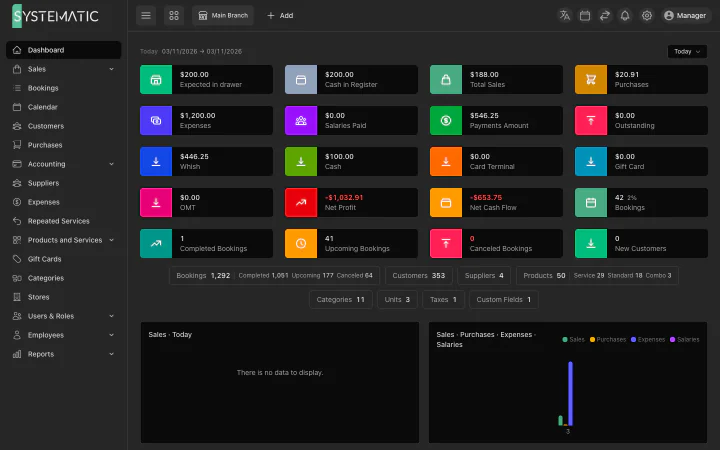
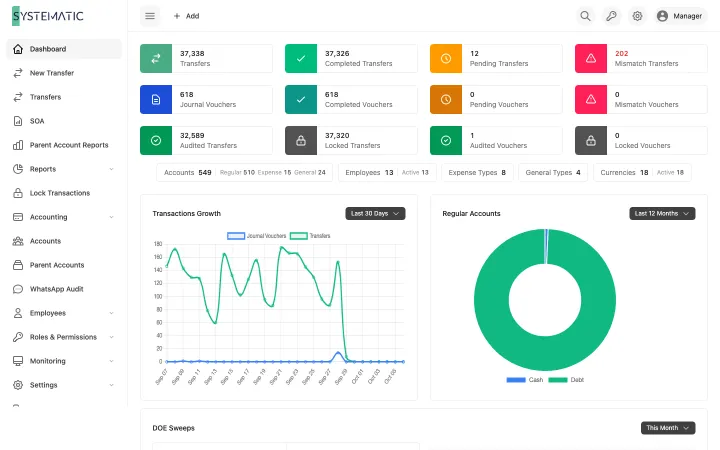
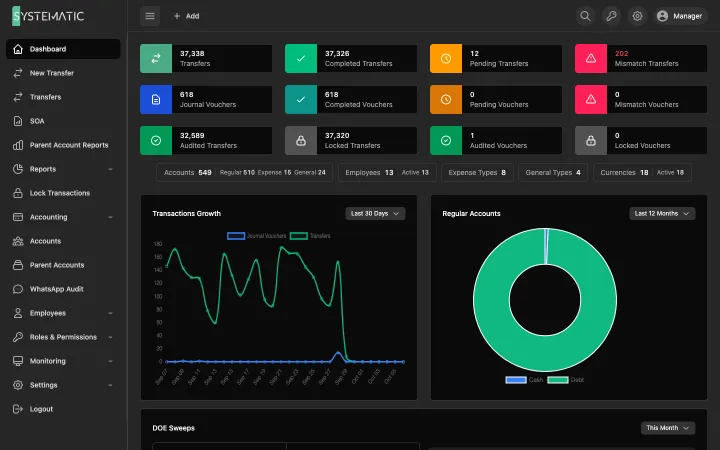
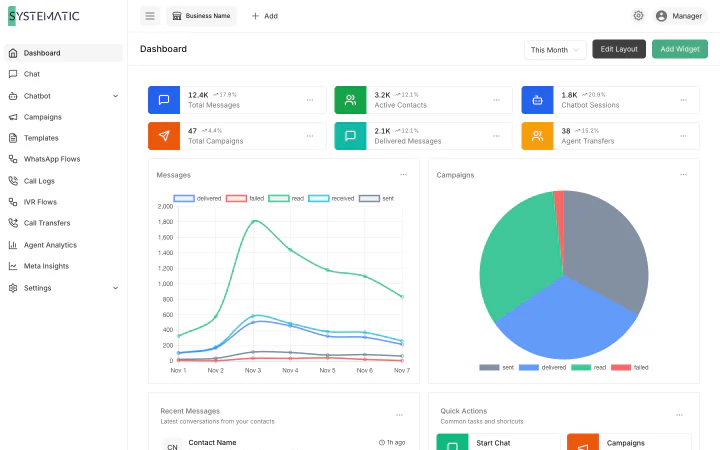
A selection of the screens, not all of them. These are the real layouts, filled with sample data. Open any screen to see it full size and zoom in.

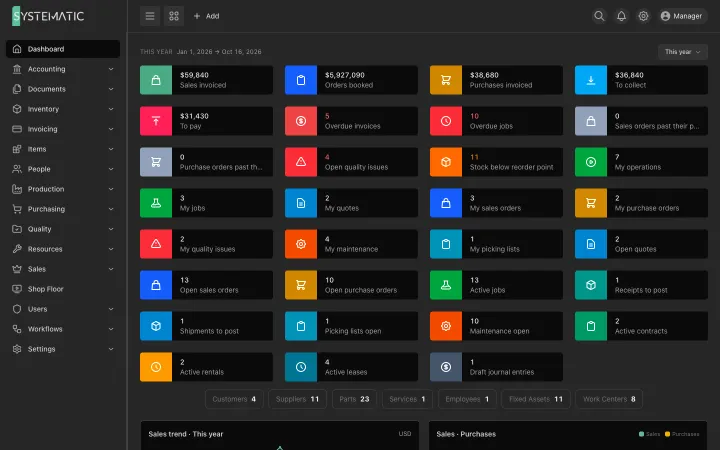
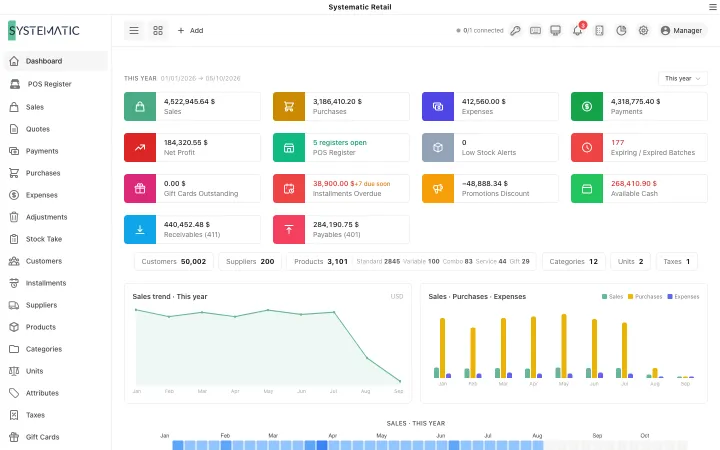
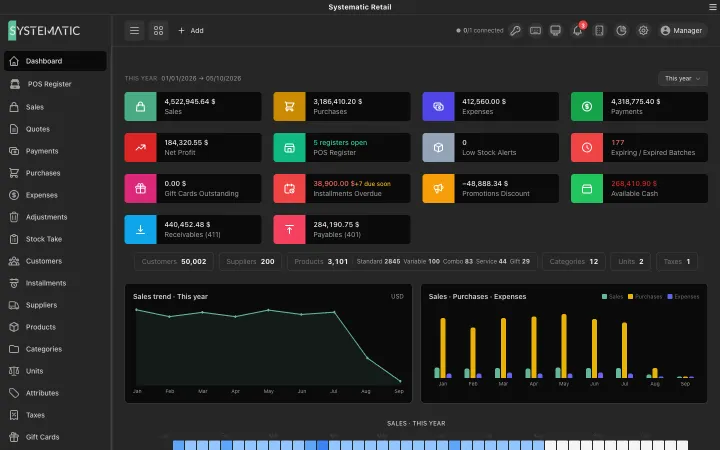
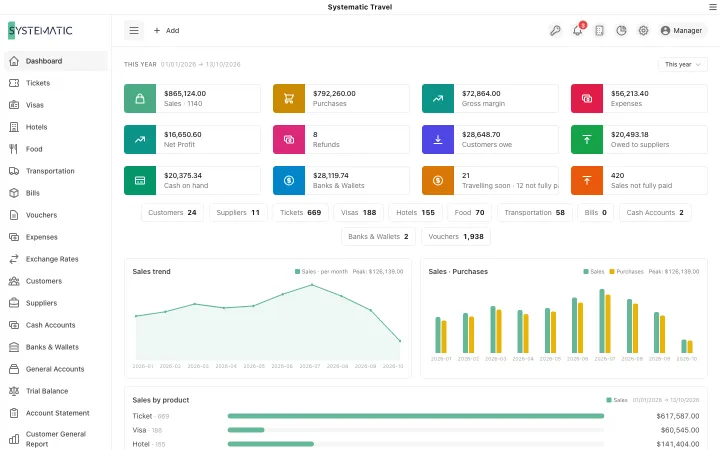
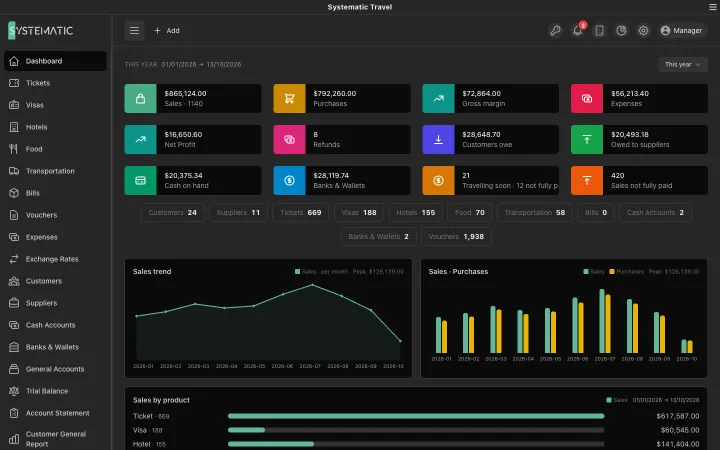
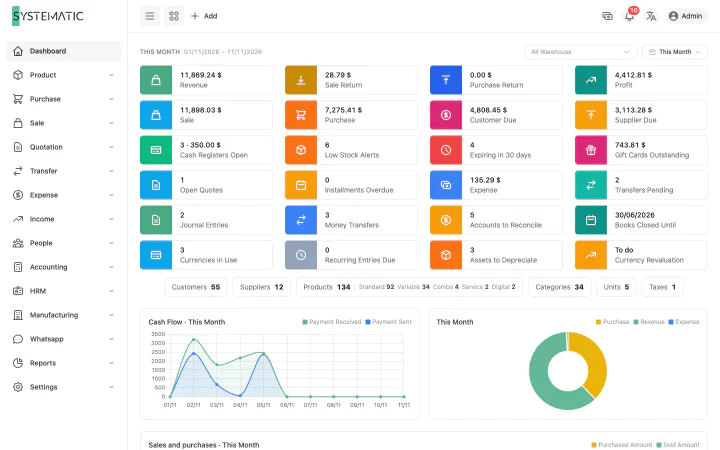
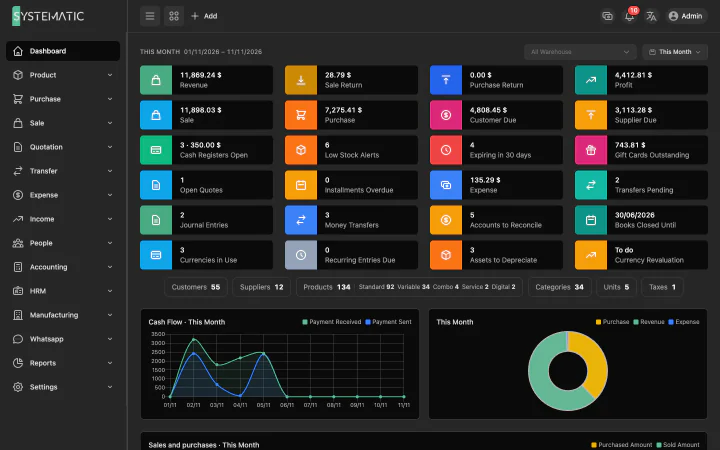
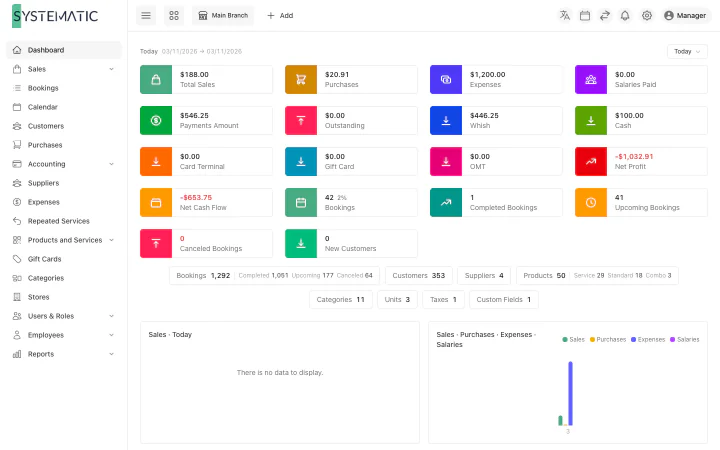
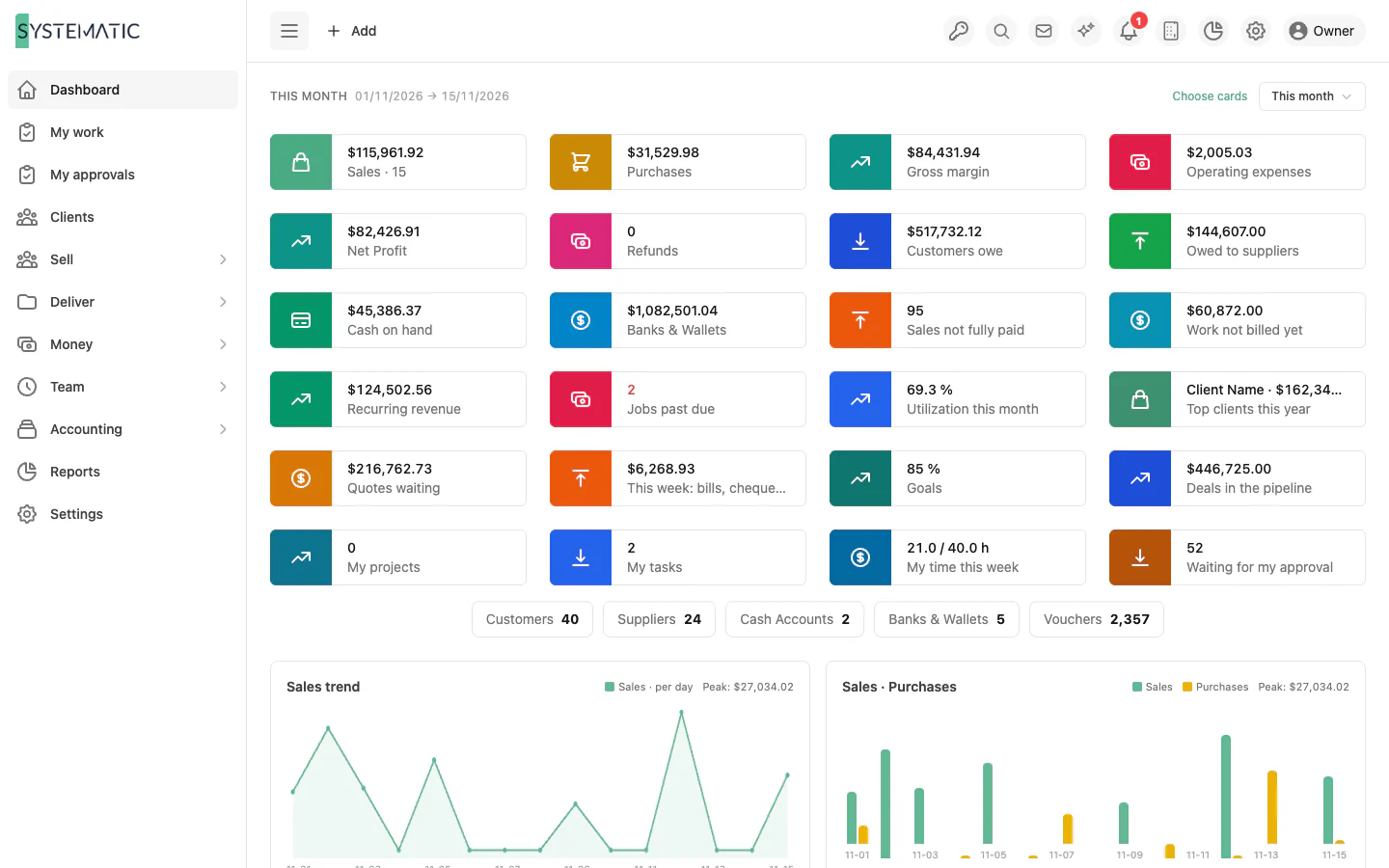
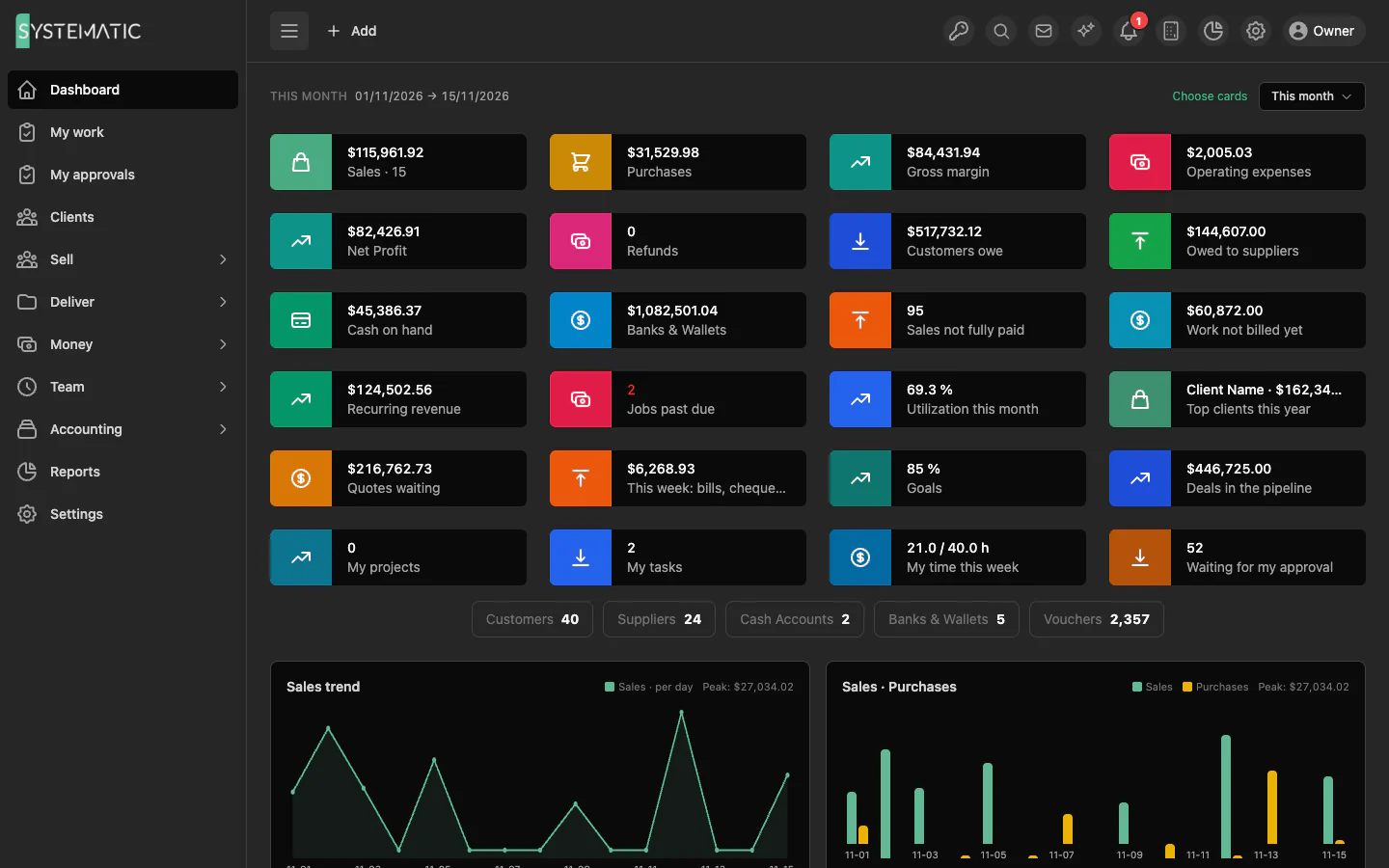
Revenue, profit, unbilled work and what needs attention.

1 / 4 · Selling

Everything included, nothing to add on later.

Clients and contacts

One page per client: balance, projects, documents, timeline and portal users.

Leads and pipeline

Website forms, several pipelines, forecast and win rate.

Proposals signed online

Options, signatures and deposits paid on acceptance.

Projects with live margin

Fixed fee, hourly, retainer or milestones, with change requests.

Tasks and planning

Boards and workload by person, skill and role.

Time and timesheets

Timers, weekly sheets and approval before billing.

Content calendar

Posts for six channels, approved by the client, reported monthly.

Proofing

Comments pinned on designs, PDFs and video frames, version by version.

Tickets and SLA

Requests from every channel, with response and resolution targets.

Client assets

Domains, hosting and licences renewed and invoiced on time.

Every kind of invoice

Deposit, progress, final, recurring, retainer, proforma and credit note.

Retainers

Hours or deliverables per period, with rollover and overage.

Client portal

Clients sign, pay, download and ask questions on their own page.

Online payments

Card payments, payment links and deposits, posted to the books.

Booking pages

Meetings booked by clients, paid ones invoiced on booking.

Any number of currencies

Each line at its day’s rate, exchange differences posted for you.

Full accounting

Ledger, banks, VAT, fixed assets, budgets, revenue recognition and year close.

Bills, expenses and salaries

Purchase orders, claims, billable costs and monthly salaries.

103 reports

Financial and business reports, plus your own, with drill-down.

AI agent

Your own key; answers from live data, reads documents into drafts.

Automations and approvals

Rules, approval chains, e-mail templates and webhooks.

75 permissions

Every role shaped, salaries and costs hidden, freelancers limited.

Permanent audit trail

Every change with who, when, before and after.

Your own server

A private server per company, installed, updated and backed up by us.

Desktop app

Mac, Windows and Linux, set up with a key, always on the newest version.

Who it is for

Marketing, social media and advertising agenciesPR and communication agenciesWeb, software and app development studiosDesign, branding, video and production studiosPhotography studiosIT services, hosting and maintenance companiesConsultancies and professional services firmsArchitecture, interior design and engineering officesEvent, exhibition and production companiesContractors and fit-out companiesTranslation, training and content agenciesCoaches and trainersFreelancers and small teams who bill clients

See it running on your own data

A demo on sample data, with your questions answered in writing.